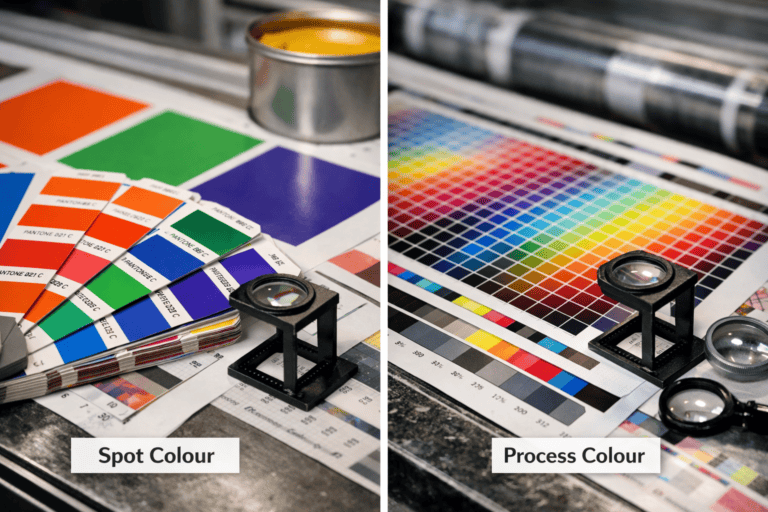
UTM tracking for print marketing uses tagged URLs and QR codes to attribute flyer, postcard, and brochure responses to specific campaigns in GA4. It separates offline placements from other traffic sources by passing consistent source, medium, and campaign values into your site analytics. This guide explains how to build UTM parameters, choose naming rules that stay clean in reports, and create QR codes that preserve tags. It also covers GA4 reporting checks and common mistakes that break attribution.
Key takeaways
- Use a short, easy-to-type URL that redirects to a UTM-tagged landing page.
- Keep UTMs consistent: set utm_source=print and vary utm_medium by format.
- Use utm_campaign to separate drops, dates, and offers across flyer runs.
- Generate QR codes from the full UTM URL to avoid manual typing errors.
- In GA4, review Traffic acquisition and filter by Session campaign for print performance.
- Create a dedicated print landing page to match the creative and improve attribution.
UTMs for print: choosing the right landing page, URL format, and campaign naming
Pick a single, dedicated landing page for each print piece before you generate any UTMs, then lock that URL into your artwork. A stable destination keeps GA4 sessions clean and stops “helpful” last-minute edits from splitting results across multiple pages.
Use a short, readable URL on the print (for example, example.co.uk/spring) and set a 301 redirect to the full tagged URL. This protects the UTM string from typos, line breaks, and QR code reprints, while still passing the campaign data into Google Analytics 4. Keep the landing page focused on one offer, one form, and one next step; print traffic often arrives with low patience and high intent.
Standardise naming so GA4 reports stay usable six months later. Use lowercase, avoid spaces, and keep utm_source consistent (for example, print), then separate channels in utm_medium (for example, flyer, postcard, brochure). Put the job identifier in utm_campaign (for example, 2026-03_spring-sale) so production teams and marketers can match results to the print run and drop date.
If the landing page needs a redesign or faster load time, fix that before scaling print spend. A web design and SEO partner can tighten page speed, tracking setup, and on-page copy so paid print visits convert and GA4 attribution stays reliable.
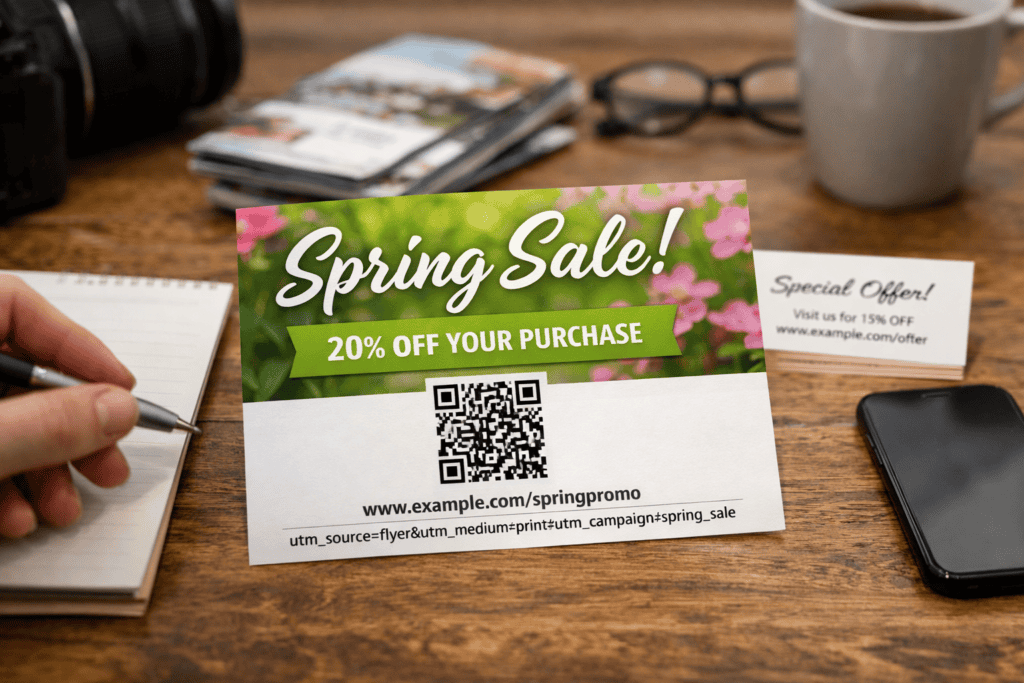
Building scannable print links: QR codes, short URLs, and redirect rules that preserve UTMs
A clean, scannable link cuts drop-offs between print and GA4. Put a short vanity URL on the artwork, then route it through a server-side 301 redirect to the landing page with UTMs. This keeps the printed link readable, reduces UTM typos, and lets you change the destination later without reprinting.
QR codes work best when they encode the same short vanity URL, not the long tagged URL. The redirect applies UTMs consistently for scans and typed visits. Build the redirect on your own domain (not a third-party shortener) to keep control, avoid link rot, and enforce HTTPS, canonical rules, and trailing slashes.
If you cannot manage redirects, a QR code can point straight to the tagged URL, but long strings can fail in some scanners and look untrustworthy in print. For rapid testing across many variants, a managed shortener can help, but confirm it keeps the full query string and does not strip parameters.
Print campaigns can expose weak landing pages. A web design and SEO partner can improve page speed, mobile layout, and GA4 event tracking so print traffic converts and reports cleanly.
GA4 setup for offline-to-online tracking: conversions, channel grouping, and attribution limits
GA4 cannot “see” a flyer or postcard; it only records the session after the click or scan, so weak conversion setup makes print traffic look low value.
Send print UTMs to a dedicated landing page, then mark outcomes as GA4 conversions (for example, form_submit, generate_lead, purchase). Use Google Tag Manager to fire events on real completion states, not button clicks, and validate in GA4 DebugView.
Keep print traffic in a separate channel with a custom Channel Group rule for utm_medium=print (or qr) and utm_source=flyer/postcard. Expect attribution limits: GA4 credits the last non-direct touch, so print often assists. Tight landing-page UX and Marketing Support can lift conversion rates, while a clear how to write a Print Brief cuts tracking errors at artwork stage.
Reporting and optimisation in GA4: comparing flyers vs postcards vs brochures and spotting drop-offs
GA4 can only compare flyers, postcards, and brochures when each piece uses a unique, consistent UTM set.
Create a GA4 Exploration (Free form) and use Session source/medium plus Session campaign to isolate print traffic. Add Session manual term or Session manual content to split formats (flyer, postcard, brochure) without changing the landing page. Review engagement rate, key event rate, and landing page path to spot drop-offs.
Common errors include reusing UTMs across pieces, changing UTM casing mid-campaign, and letting artwork edits change the destination. Print quality affects scan rates; keep QR contrast high and proof print colour so codes and short URLs stay readable. If intent looks strong but conversions lag, a web design and SEO partner can improve landing page speed, layout, and tracking.
When to bring in web design and SEO support: landing page UX, speed, and local search to lift print ROI
Print ROI improves when the landing page loads fast, reads clearly on mobile, and matches the promise on the artwork. If the page feels slow or confusing, GA4 will still record the session, but conversions will not follow, which makes the campaign look weaker than the print itself.
Start with UX basics that remove friction: a single, obvious primary action, short forms, and page sections that answer price, availability, delivery area, and next steps. Keep the message consistent from headline to call-to-action so visitors do not need to “work out” whether they are in the right place. Build the page mobile-first, since most scans happen on phones.
Speed is the next constraint. Large hero images, heavy fonts, and third-party scripts can delay interaction and reduce form completion. Use PageSpeed Insights to check Core Web Vitals, then fix the biggest causes: image sizing, render-blocking CSS, and slow server response time. If the landing page sits on WordPress, caching and a lightweight theme often deliver quick gains.
Local search lifts print results when people return later via Google instead of the printed link. Make sure the landing page supports location intent with clear service areas, consistent NAP details, and a strong Google Business Profile. For design, technical SEO, and conversion-focused landing pages that protect your tracking, use Web and Graphic Design Help to align print creative with measurable online outcomes.
Frequently Asked Questions
How do you create UTM-tagged URLs for flyers, postcards, and brochures so GA4 attributes visits to the right print campaign?
Build a landing-page URL and add UTM parameters that match your print campaign naming rules. Use utm_source for the distribution point (for example, shop, event, mailer), utm_medium=print, and utm_campaign for the campaign name; add utm_content to separate flyer vs postcard versions. Shorten the final URL or place it behind a QR code.
What is the best way to shorten or mask UTM links for print materials without breaking GA4 tracking?
GA4 only needs the full UTM parameters at the final landing URL. Shorten the visible print URL with a branded short domain or a clean redirect URL that 301/302 redirects to the full UTM link.
Keep the redirect server-side, preserve the query string, and avoid link shorteners that strip parameters or add extra redirects.
How can you track QR code scans from printed marketing in GA4 and connect them to UTM parameters?
Create a QR code that points to a URL containing UTM parameters (utm_source, utm_medium, utm_campaign). GA4 reads the UTMs on the landing page and attributes the session and conversions to that campaign. Keep the destination URL identical across prints, and use a unique utm_content value to separate each flyer, postcard, or brochure.
Which GA4 reports and explorations show print-driven traffic, conversions, and revenue by UTM campaign?
GA4 only attributes print results when the landing URL carries UTMs and sessions are not lost to redirects.
Use Acquisition > Traffic acquisition and add the Session campaign (or Session source/medium) dimension to see print-driven users, conversions, and revenue. In Advertising > Attribution > Conversion paths, filter by campaign to review assisted conversions. In Explore, build a Free form table with Session campaign and metrics (Sessions, Conversions, Total revenue).
When should a commercial print company involve a web design and SEO agency to set up consistent UTM governance, landing pages, and GA4 conversion tracking for print campaigns?
Involve an agency once you run 3+ print campaigns per quarter or use more than one channel partner. At that point, inconsistent UTM naming and mismatched landing pages can break GA4 attribution and inflate “direct” traffic. Bring support in before the next campaign so governance, dedicated landing pages, and conversion events ship together.